An AI flashcard maker that uses your own course files
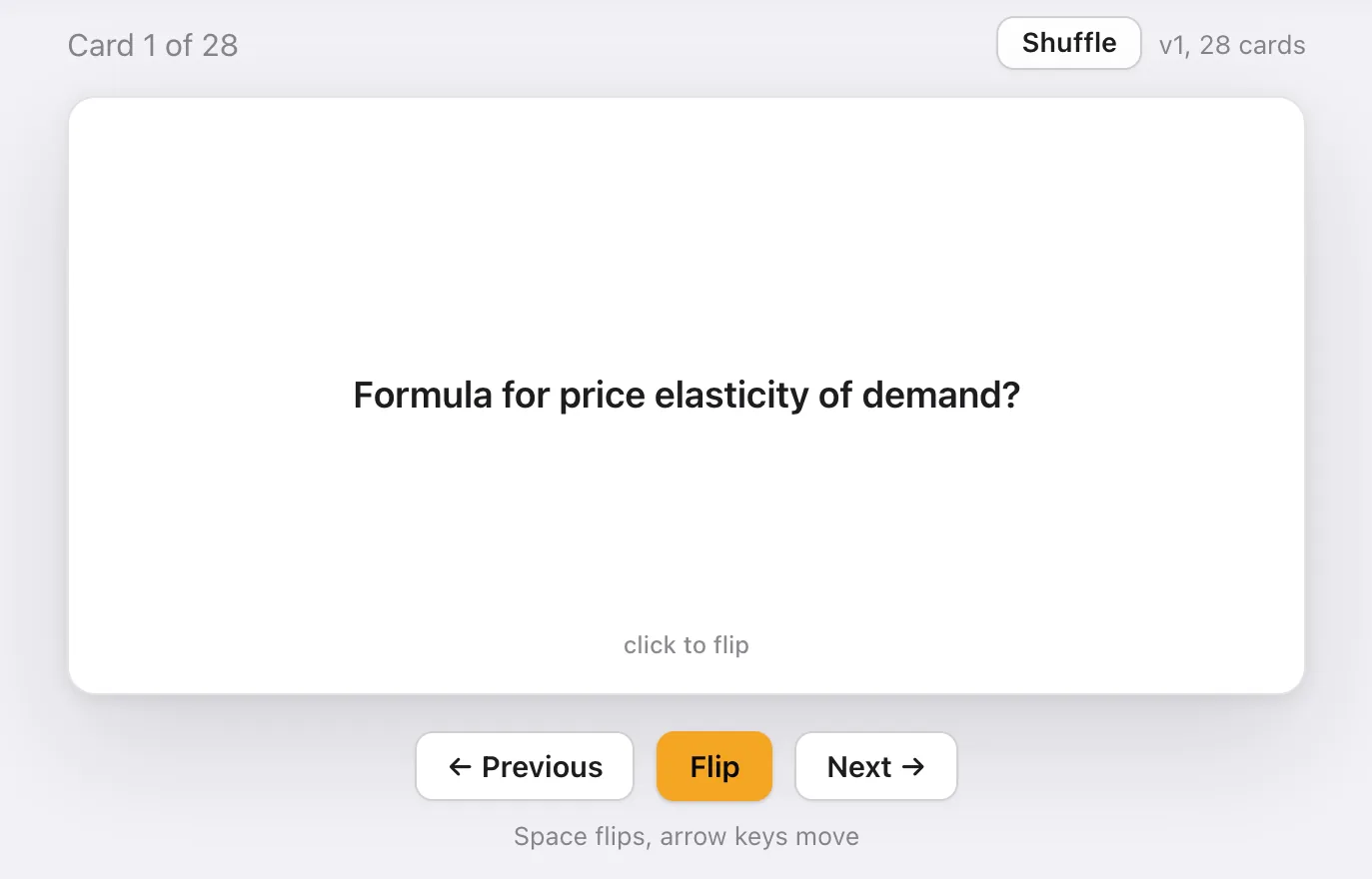
An AI flashcard maker turns your course material into question and answer cards. Sendy reads the slides, readings and lecture recordings for each week of your class and writes cards from them: definitions, the reasons behind them, worked applications and the traps your professor warns about. You flip, shuffle and repeat, and the cards change when your material does.
How it works
- Upload a week. Slides, readings, a lecture recording or a PDF your professor shared. PowerPoint, PDF, Word and video all work.
- Sendy writes the notes first. Cards come from those notes, so each one is grounded in what was taught rather than what a search engine thinks the topic is.
- Study the deck. Flip, shuffle and step through the cards. Regenerate them after you add more material.
What makes a good card
Most decks are all definitions. Exams rarely are. Sendy mixes four kinds of card so you practise the way you will be tested:
- Definitions, worded the way your course words them.
- Whys: the reason a rule holds, which is what written questions ask for.
- Applications: a short scenario with the method applied.
- Traps: the mistakes your lecturer flagged, turned into questions.
Why your own material matters
A generic deck on elasticity will teach you elasticity. It will not use your professor's notation, the example from Tuesday's lecture, or the distinction she said would be on the midterm. Cards made from your files do, and they link back to the earlier weeks each topic builds on.
When another tool is the better choice
If you want a deck someone else already made for a standard topic, a shared library like Quizlet is faster. If you want reviews scheduled for you over months, a spaced repetition app like Anki does that and Sendy does not. Sendy is the better fit when the deck has to match one specific class.
Questions students ask
Can it make flashcards from a PDF?
Yes. Upload the PDF to the week it belongs to and Sendy writes notes and cards from it, along with any slides or recordings in the same week.
How many cards does it make?
It depends on the material. A typical week of slides and one reading gives twenty to thirty cards. You can regenerate after adding more files.
Does it schedule reviews like Anki?
No. Sendy writes the cards and lets you flip, shuffle and repeat them. If you want reviews scheduled over months, a spaced repetition app like Anki is built for that.
Can I use it for any subject?
It works best for subjects taught through slides and readings: business, sciences, engineering, health, social sciences, humanities and law. It is weaker for speaking drills and hands-on lab work.