An AI note taker for lectures that reads the slides, the reading and the recording together
An AI note taker for lectures turns what was taught into notes you can study from. Sendy reads the slides, the assigned readings and the lecture recording for each week together, then writes full notes with the explanations the slides leave out, figures and rendered formulas, and a short summary of what the exam is likely to ask.
What it takes in
- Slides in PowerPoint or PDF, with the figures pulled out of them.
- Lecture recordings. The audio is transcribed and the slides on screen are captured.
- Readings: textbook chapters, articles and handouts as PDF or Word.
- The syllabus, so the notes know what the exam covers and when.
What you get
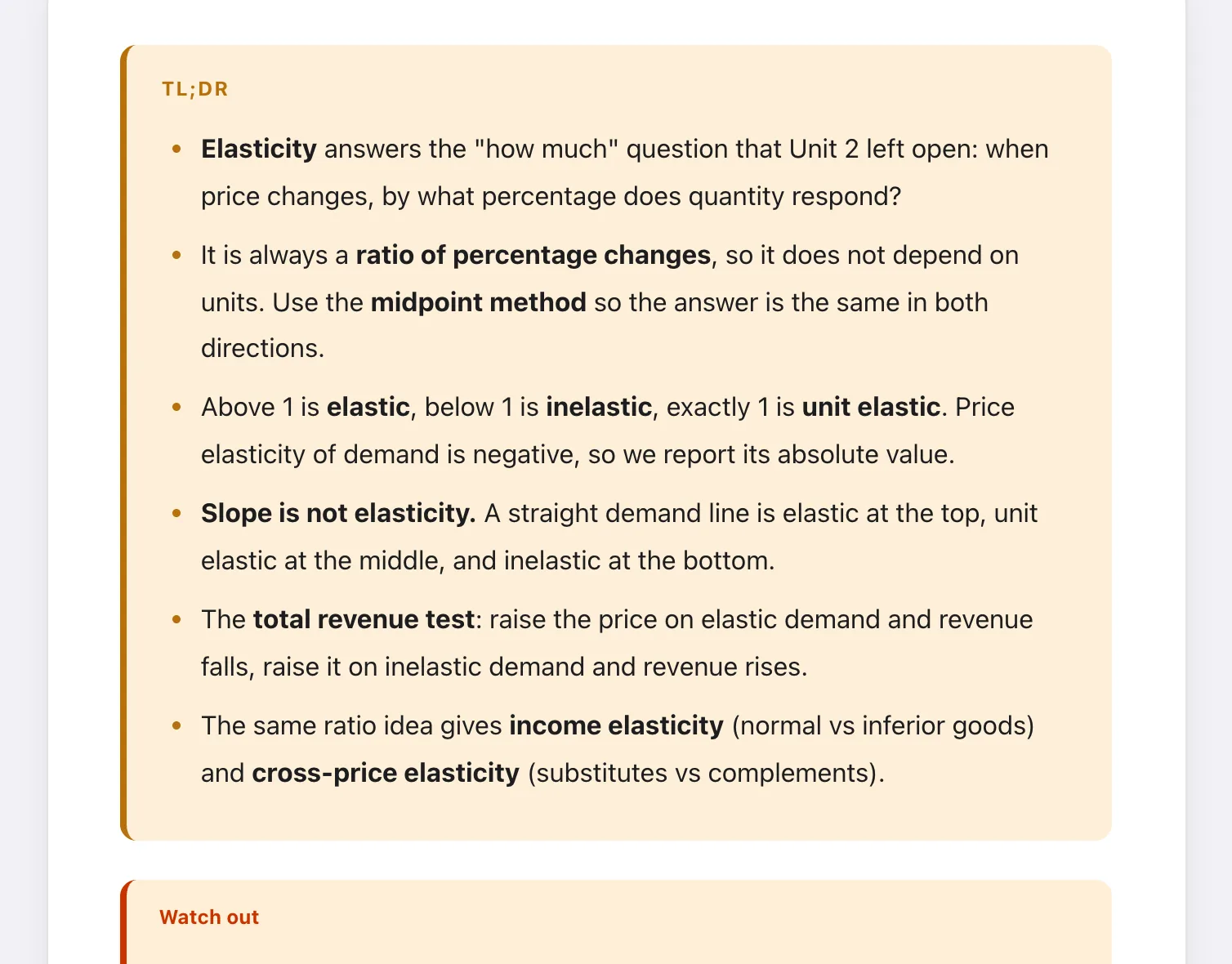
For each week: full notes in sentences, not bullet fragments, with formulas rendered and diagrams kept. A TL;DR at the top, a "Watch out" section on the mistakes the lecturer flagged, and links back to the earlier weeks each idea builds on. You can ask questions in the margin and get answers that cite your own files.
Not a meeting recorder
Most AI note takers are built for meetings: they record a call and summarize who said what. Lectures need something different. The slides, the reading and what was said out loud have to be joined into one explanation, and that is the job Sendy is built for.
Check the notes like you would a classmate's
Read the notes against the slides the first time. If something does not match how your lecturer taught it, regenerate with a focus, such as "more worked examples" or "follow the textbook's notation". The guide on turning lecture slides into study notes shows the full method.
Questions students ask
Can it take notes from a lecture recording?
Yes. Upload the video and Sendy transcribes the audio and captures the slides shown, then writes notes from both together with the week's readings.
Does it work with PDFs and slides only?
Yes. A recording helps, but slides and readings alone are enough for full notes.
Does it record my lectures live?
No. Sendy works from files you upload. Check your school's rules before recording a lecture yourself.
Can I export the notes?
The key notes sheet for each week exports to PDF, and full notes can be printed or saved as PDF.